
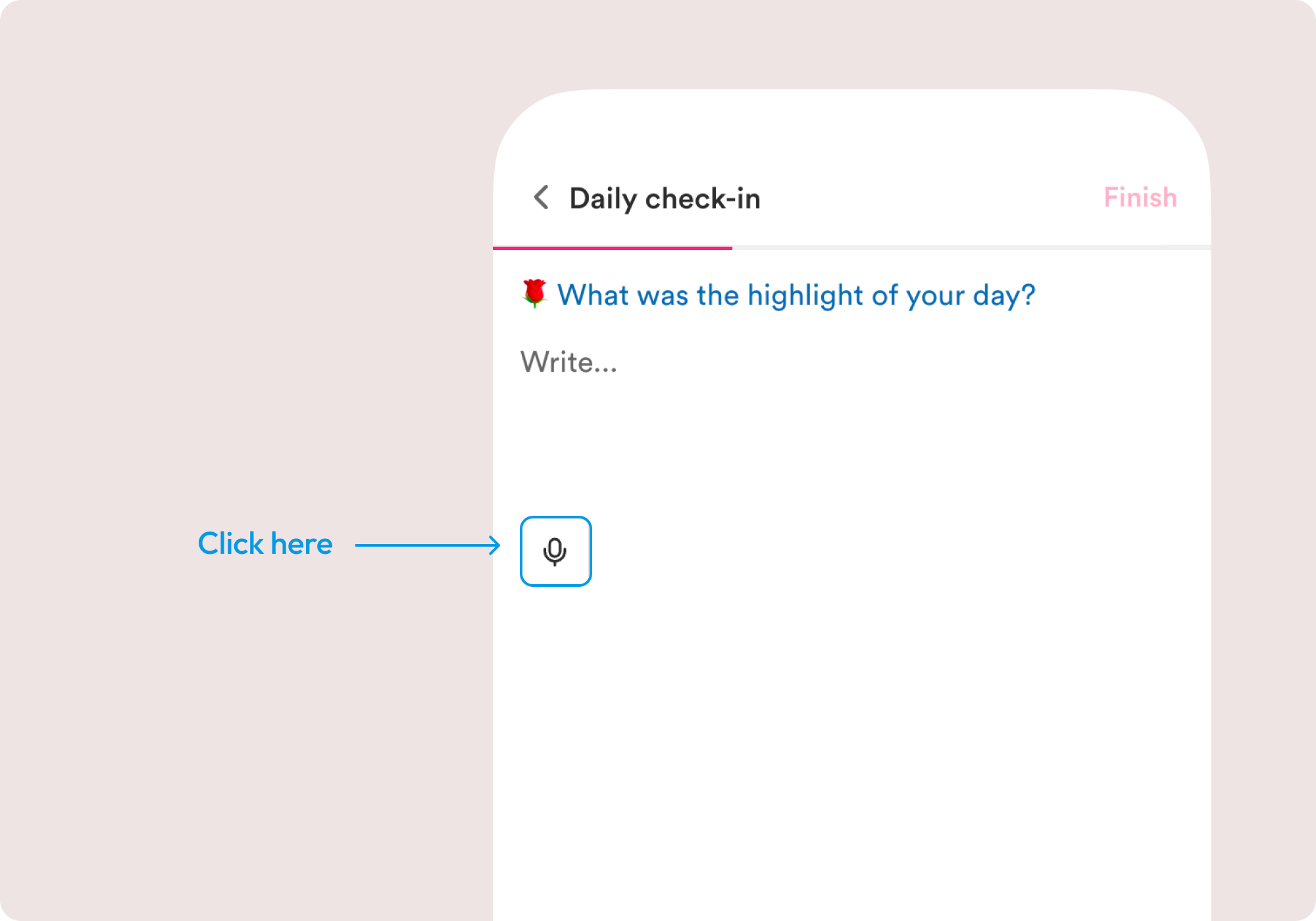
Rosebud provides an advanced voice transcription feature that makes it even easier to get your thoughts across. Using hands-free mode allows you to flow more naturally as you share what’s on your mind. Voice journaling allows you to say more, and in turn, allows Rosebud to do more for you in return.
Auto stop timer and Glossary
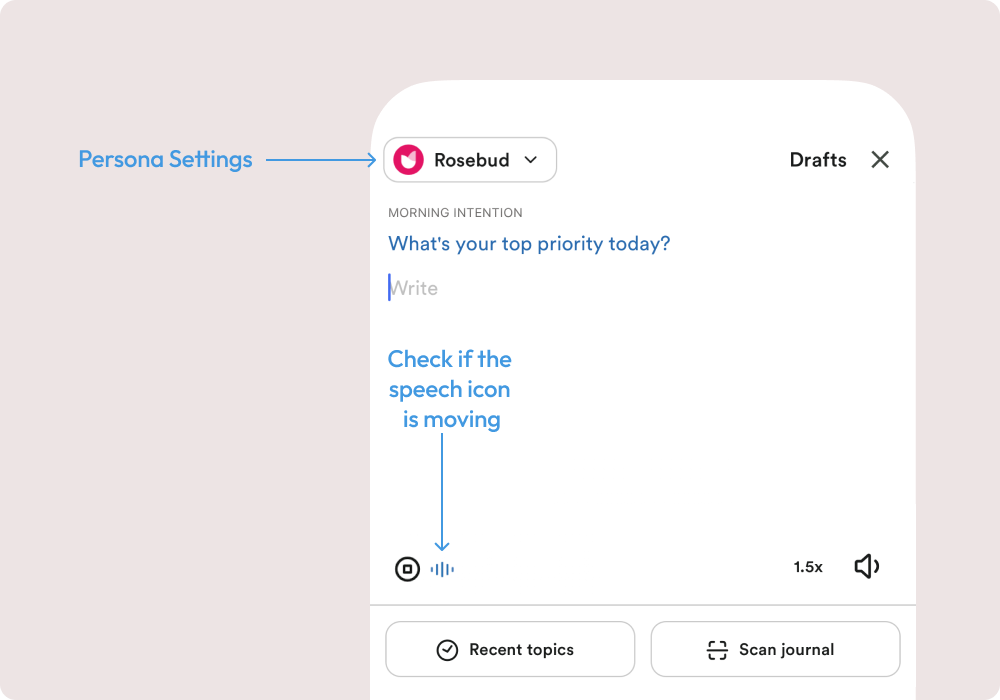
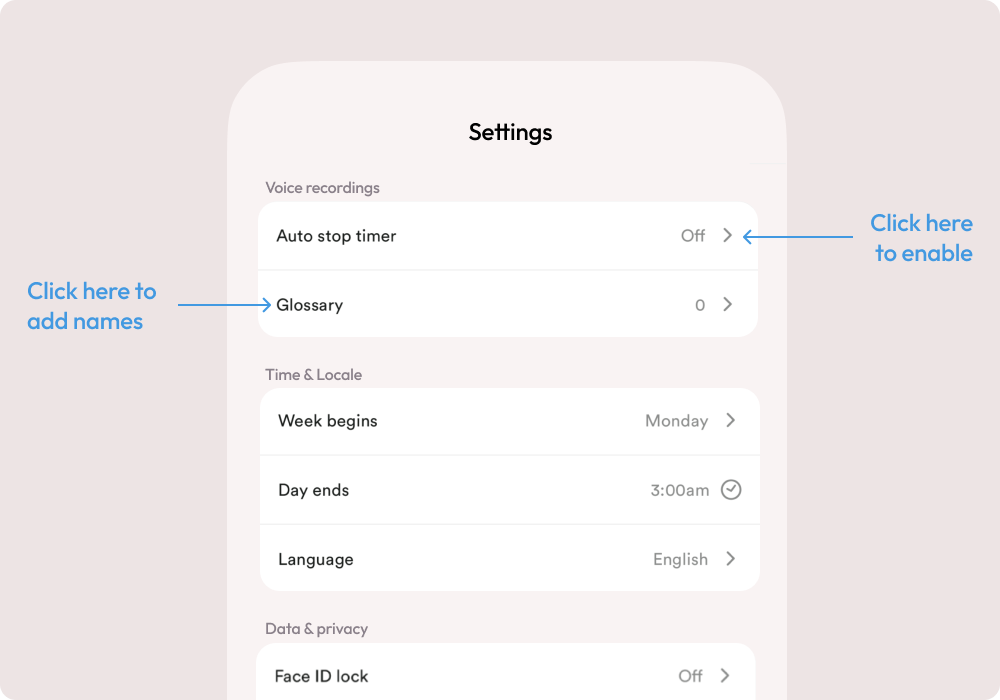
You can adjust the Auto stop timer in the Persona setting if you want to manually choose when to stop talking when using Voice mode. You can change the sensitivity of the Auto stop timer to Low / Medium / High, where “Low sensitivity” means you have to speak louder and “High sensitivity” means it picks up more sound.
With Glossary, you can define up to 10 names or words that will always be preserved accurately in your transcriptions.
Changes to voice playback
July 2026 update
Custom voice style instructions were removed in the July 2026 playback update, including those used by Sage, Challenger, Connector, Gardener and Strategist. You can still choose a voice in Persona settings and have Rosebud read replies aloud.
Original OpenAI voices retire on December 31, 2026
OpenAI is retiring the speech models behind these voices. The original voices (Alloy, Ash, Coral, Echo, Fable, Nova, Onyx and Shimmer) remain available in Rosebud through December 31, 2026.
Starting October 27, 2026, you can choose from the new voice library:
- Open your persona’s settings and choose Voice.
- Tap voices to preview them, then go back to save your choice. If you are editing a persona, select Save.
- Read any switch confirmation before accepting. Some accounts cannot return to their previous OpenAI voice afterward.
Changing a voice changes how spoken replies sound, not your journal entries or voice transcription.